Navigation[01]
Menus in
company-speak
"Solutions", "Capabilities", "Our approach". Customers are looking for "Drain cleaning" and "Pricing".
Ads and visibility: customers who are looking for your service now or don’t know about it yet.
01 Google AdsInquiries from people searching for your service right nowfrom $1,000/mo 02 Social media adsMeta, TikTok, LinkedIn: customers who are not searching yetfrom $600/mo 03 SEOHigher in Google and Maps without paying per clickfrom $750/mo 04 Visibility in ChatGPT and AIYour business in AI assistant answerspart of SEO 05 Amazon and marketplacesSell where customers already buywith a partnerThe place where a visit turns into an inquiry, and a system that doesn’t lose that inquiry.
01 Web designA website that turns visits into inquirieslanding from $1,000 02 Online storesCart, payments and shipping, ready for adsfrom $3,900 03 CRMNo inquiry gets lost in a phonesetup $3,000 04 Chatbots and AIThey answer customers, at night too$1,900 05 Email and SMSCustomers come back instead of forgetting youquoted individuallyPlan and tracking first, budget second. You know what works before you spend more.
01 Strategy and auditKnow where to spend the budget before you spend it$1,900 02 AnalyticsSee which ad brings in money$550 03 ConsultationsA call about your specific problem$65/h 04 Free auditA quick review and 3–5 priorities to start$0How your business looks and sounds before anyone calls you.
01 Social media managementProfiles that look like a real businesswith a partner 02 Creative and videoGraphics and videos that stop the thumbquoted individually 03 BrandingA logo and style that sets you apartwith a partner Edmonton, Canada
200 keywords on page one of Google
Boreal Kitchens
 Winnipeg, Canada
up to 5 inquiries/mo from Google without ads
Adela Realtor
 Żywiec, Poland
from 3 to 9 locations in two years
Gładko Tnący Barber
 Żywiec, Poland
PLN 15 000 +/mo in delivery orders
Da Diego
UX/UI design decides whether a visitor finds the price, trusts you and taps the button, or gives up after eight seconds. I design websites starting from what your customers ask and fear, lay them out for a thumb on a phone, then build the result myself so nothing gets lost between a designer's file and the live site.
Free: a 30-minute call, an action plan and a price range in writing.
Visitors rarely complain. They just leave. These are the reasons I see most.
"Solutions", "Capabilities", "Our approach". Customers are looking for "Drain cleaning" and "Pricing".
Links packed together, forms that zoom in when tapped, pop-ups with a close button off the screen.
The first screen offers six actions of the same weight. Faced with too many options, the visitor chooses none.
Step by step, how a visitor gets from Google or an ad to a call, booking or order.
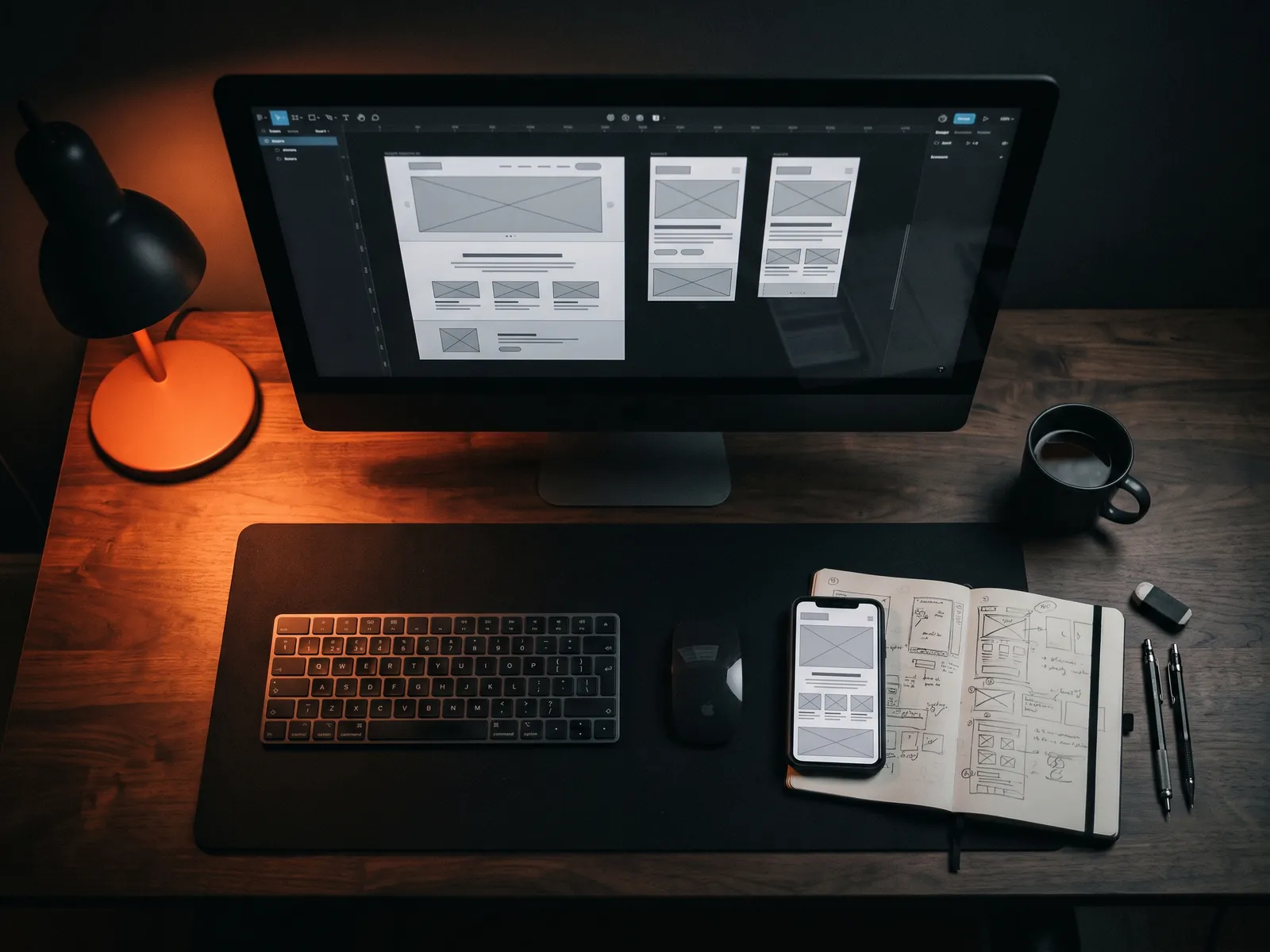
Gray layouts for phone and desktop for every key page type, before any colors distract us.
Type, color, icons, buttons, form fields and every state they can be in.
Actual headlines and text instead of lorem filler, so you judge the page people will really see.
Contrast, focus states, labels and tap targets reviewed against WCAG 2.1 AA.
What people ask before buying, what worries them, what they compare.
Sitemap and the order of sections on the key pages.
Phone and desktop layouts in grayscale, reviewed with you on Zoom.
Typography, color, photos and components in line with your brand.
I code the design myself, so details survive the trip to the browser.
Final prices in US dollars. Design and build are priced together because I do both.
Copy, UX/UI design and build of one page.
The full design process for a multi-page site, plus the build.
A usability review of your current site with notes you can act on.
Most UX/UI design projects start with mood boards. Mine start with a list of questions customers ask before they buy. For a roofing company that list might be: do you handle insurance claims, how long does a replacement take, what does it cost for a house like mine, are you licensed here, can I see roofs you've done nearby? For a med spa: is it safe, does it hurt, how many sessions, what does it cost, can I book online tonight?
Those questions become the skeleton of the page. Their order decides the order of sections. Their wording decides the headings and menu labels. Only after that do colors and fonts come in. It's slower than picking a template, and it's why the pages convert.
Most visits to small-business sites come from phones, so I design the phone version first. That means tap targets large enough for an actual thumb, a call button within reach at the bottom of the screen, forms with the right keyboard for each field (numbers for phone, email layout for email), no hover-only menus and no pop-ups that cover the content in the first seconds.
Desktop isn't an afterthought, but it's the easier version. A layout that works on a 6-inch screen almost always expands well; the reverse is rarely true. The mobile website checklist lists the points I check on every page.
Some of the most valuable UX work isn't visible in a mockup:
UI design turns the structure into something people trust. I work within your existing logo and colors, or create a restrained look if you don't have one yet. I define a small set of components (buttons, cards, form fields, price boxes) and reuse them across the site, which makes it easier to use and cheaper to extend. If you need a fuller visual identity, I deliver that with a branding partner while the contract and communication stay with me.
Before building, I put the wireframes in front of a few people outside the project. Not a lab study: five minutes each, a simple task like "find out how much a cleaning costs and book one". Where they hesitate, the design changes. Usually two or three small changes come out of it, such as a renamed menu item or a price moved higher. That's far cheaper than learning the same lesson from a quiet phone after launch. Once the site is live, ongoing improvement is conversion rate optimization.
Because I build what I design, nothing gets lost in a handoff. Spacing, button states, animation timing and mobile behavior go live exactly as you approved them. You also have one person to talk to, directly, on Zoom, WhatsApp or email, with replies within one business day. If you'd like a usability review of your current site first, book a one-on-one consultation at $65 an hour.
UX, user experience, is about the path: what a visitor needs to see, in what order, and how few steps it takes to reach a call or a booking. UI, user interface, is how that path looks and feels: layout, type, colors, buttons. Good UI on poor UX is a beautiful maze.
I can, but I rarely recommend it. Handing a design file to a different developer is where spacing, states and mobile details usually get lost. When I design and build, what you approved is what goes live. If you have an in-house developer, I'll prepare detailed specs.
It helps but isn't required. If you have a logo and colors, I design within them. If you don't, I can create a simple, clean look for the website, and a full visual identity can be done with a branding partner, quoted separately.
Don't judge the gray boxes; read the page as a customer. Does the first screen say what you do and for whom? Can you find the price? Is it obvious what to tap? I walk you through each wireframe on Zoom and we change what feels off.
Tell me what you sell and what visitors should do on your site. I'll reply within one business day with an approach and a price. The first 30-minute call is free.
What do you need most?