



WhatsApp chatbot
for business
A WhatsApp chatbot for business makes sense when a good share of your customers already message you there: immigrant communities, international clients, families with relatives abroad. The bot replies at once, collects details for quotes and bookings, and passes real conversations to your team in a shared inbox, all on Meta's official WhatsApp Business Platform.
Free: a 30-minute call, an action plan and a price range in writing.
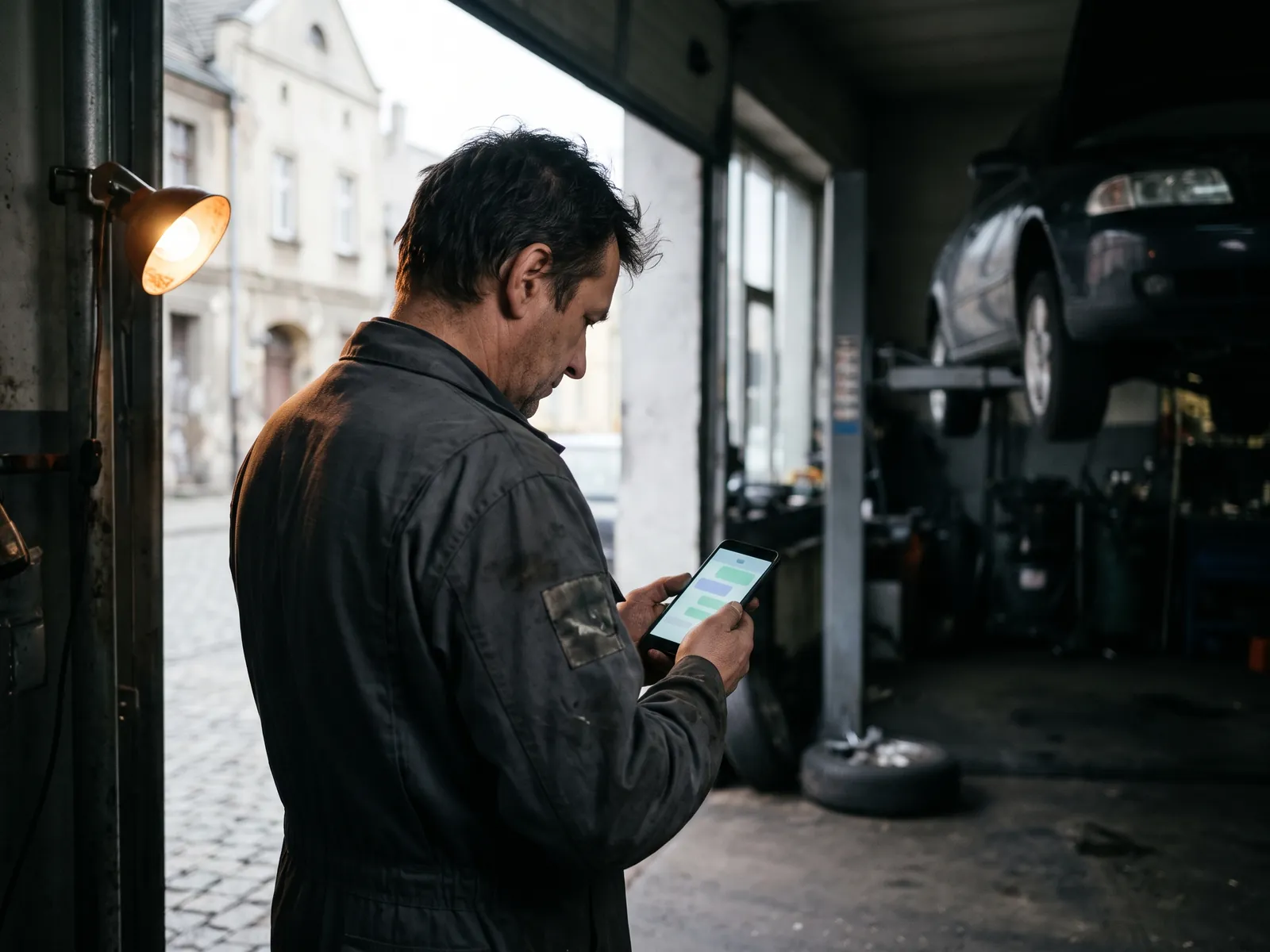
Five WhatsApp jobs
worth automating
First reply in seconds
Hours, address, service area and prices answered at once, with buttons for the most common topics.
Quote intake
The bot asks for the details and photos you need, so the estimate can be prepared without three rounds of questions.
Bookings
Open slots offered from your calendar, confirmation sent in the same chat.
Status updates
"Your car is ready" or "your order shipped" sent as approved template messages to customers who opted in.
Team hand-off
When a person is needed, the chat moves to a shared inbox where several staff can reply from one business number.
Going live on WhatsApp
in 5 steps
I deliver chatbots with a trusted partner; the contract, deadlines and communication stay with me.
Number and verification
A business number registered on the platform under your Meta business account, with your display name approved.
Script and templates
Conversation flows written, and any business-initiated messages submitted to Meta as templates.
Build and connect
The bot set up with calendar, CRM and shared inbox connections.
Opt-in points
Clear opt-in on your website, forms and at the counter for customers who want updates on WhatsApp.
Launch and review
Real conversations reviewed in the first weeks, flows adjusted.
WhatsApp chatbot
pricing
Final prices in US dollars. Meta charges for certain message types, mainly business-initiated templates; those fees are billed to your account.
Bot on your WhatsApp business number with a defined job.
- Flows and templates
- Meta approval process
- Shared inbox setup
- Calendar or CRM connection
- Launch tuning
WhatsApp bot plus a ready-made CRM that receives its leads.
- Bot and CRM together
- Every chat on a deal card
Who a WhatsApp chatbot for business suits in the US
In the US, WhatsApp is not the default messaging app it is in much of Europe, Latin America or India. Most Americans text. But in many communities it is the main way to talk: families with relatives abroad, immigrant-owned businesses and their customers, international students, travelers and clients outside the country. If your phone already lights up with WhatsApp messages from customers, a WhatsApp chatbot for business can take the routine part off your hands.
Typical fits: auto repair shops and contractors serving immigrant neighborhoods, travel agencies, immigration-related services such as translators and document help, restaurants and grocery stores with an international clientele, clinics and salons whose staff speak several languages. I speak Polish, Russian and Ukrainian as well as English, which helps when your customers write in those languages. My article on marketing for immigrant-owned businesses covers this audience more broadly.
The WhatsApp app versus the Business Platform
The free WhatsApp Business app on a phone is fine for one person answering by hand, with quick replies and a greeting message. It does not support a proper chatbot, several staff on one number or connections to a CRM. For that you need the WhatsApp Business Platform, accessed through Meta's API, usually via a provider that adds a shared inbox and a bot builder.
On the platform, your business is verified, the display name is reviewed, and messages you start must use pre-approved templates. In exchange, you get automation, several team members on one number, and data that flows into your CRM instead of staying on one phone.
Consent and the rules
WhatsApp requires businesses to collect opt-in before sending messages, and to honor requests to stop. I place opt-in on your website forms and booking pages with clear wording, for example "Send me appointment reminders on WhatsApp", and store the consent with the contact. Promotional messages should go only to people who asked for them. In the US, texting is governed by the TCPA; how far that law reaches into internet-based messaging apps is a question for your attorney, but careful consent records protect you either way.
Examples of flows
- Auto repair: a customer sends a photo of a warning light; the bot asks for make, model and year, offers the next available drop-off slots and later sends "your car is ready" as a template.
- Contractor: the bot collects the zip code, a short description and photos of the job, then books a site visit or passes it to the estimator.
- Travel agency: the bot asks for dates, number of travelers and budget, then hands the chat to an agent with the request summarized.
- Restaurant: hours, menu link, catering request intake and table bookings in one place.
Languages
A WhatsApp bot can run in several languages, detecting or asking for the customer's preference. I write English, Polish, Russian and Ukrainian versions myself. Spanish is a common need in many US cities, but I do not write or translate Spanish: those answers would come from your team or a translator, and I build them into the same bot.
How the project runs
I deliver WhatsApp chatbots with a trusted partner. You talk to me: the brief, the script, the connections, testing and launch are my responsibility, and the agreement and deadlines are with me. The Meta business account, the phone number and the inbox are registered to you. A typical project takes two to four weeks, with business verification and template approval being the parts that depend on Meta. If Messenger and WhatsApp ads are part of your plan, the bot is set up first so the paid conversations get an instant answer.
More for
messaging
WhatsApp chatbot
questions
Can I keep my current WhatsApp number?
Often yes, but a number used on the Business Platform cannot be used at the same time in the regular WhatsApp or WhatsApp Business app on a phone. Some businesses move their main number to the platform, others add a new number for the bot. I explain the trade-offs for your situation before anything is switched.
What are WhatsApp message templates?
Pre-approved message formats that a business uses to start a conversation or write after the customer has been silent for more than 24 hours. Appointment reminders, order updates and offers all go through templates, which Meta reviews before you can use them. Replies inside an active conversation do not need templates.
How much does WhatsApp itself charge?
Meta charges per message for certain template messages, with rates that depend on the message type and the recipient's country, and changes its pricing model from time to time. Replies to customers who wrote to you first are often free within the service window. For a typical small business the monthly cost is modest; I estimate it from your volumes before launch.
Do I need consent to message customers on WhatsApp?
Yes. WhatsApp's own business policy requires opt-in before a business sends messages, and the opt-in should say what kind of messages the customer will get. US texting laws may also be relevant to business messaging, and how they apply to apps like WhatsApp is not always clear-cut, so I keep consent records just as carefully as for SMS. Check with your attorney for specifics.
Why WhatsApp rather than regular texting?
For most American customers, regular texts reach more people. WhatsApp wins where your customers already use it daily, often immigrant communities, international clients and people who travel. It also supports rich messages, photos and a proper shared inbox. Many businesses use both, and I help you decide which carries which message.
Let a bot take
the first message
Tell me how many WhatsApp messages you get a week and what they are about. I'll reply within one business day, or book a free 30-minute call and I'll sketch the flow with you.