



Online booking for service businesses
Online booking for a service business: the three main setups compared, the rules to decide before launch, and how reminders and deposits cut no-shows.
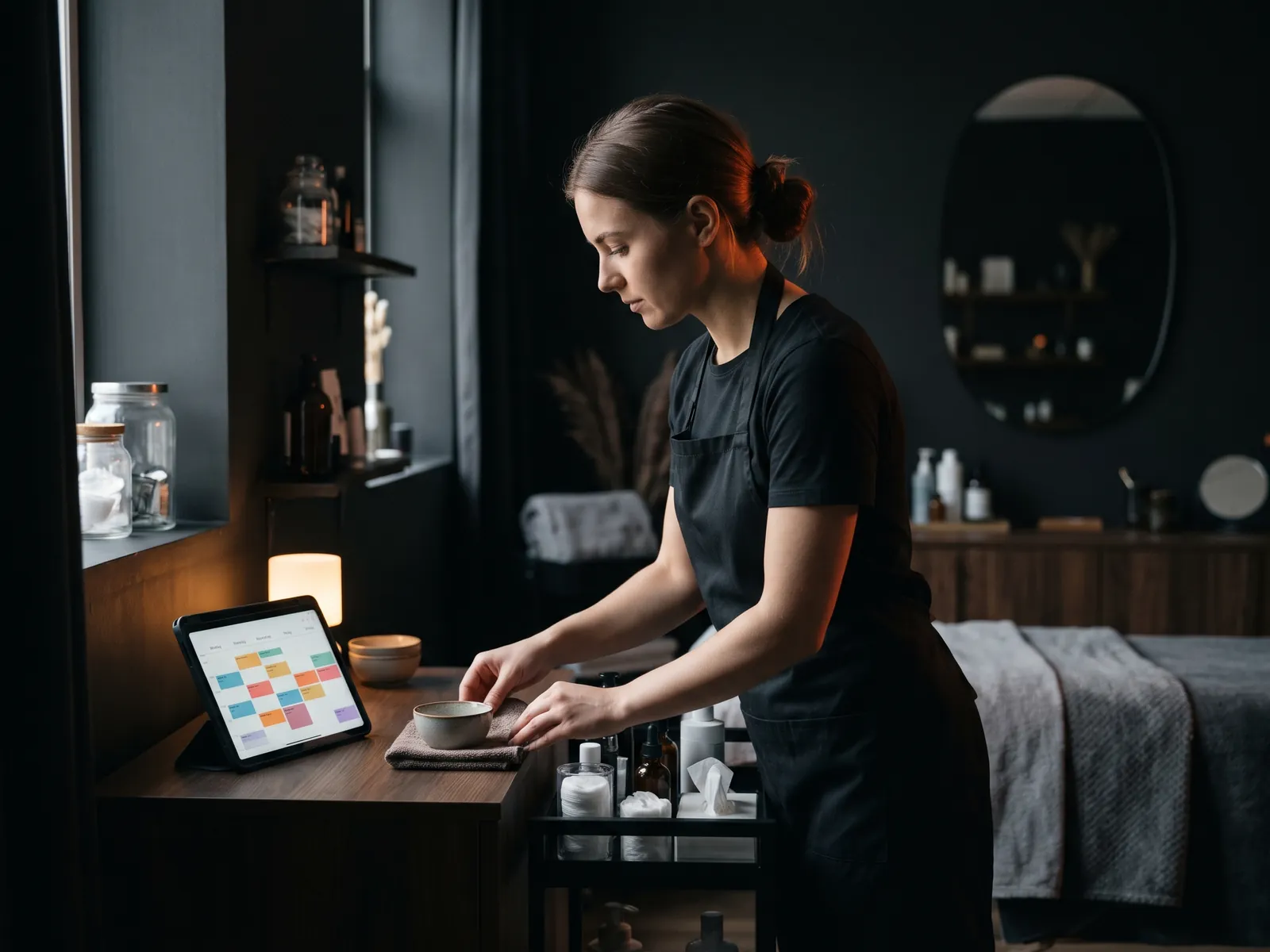
Online booking lets customers choose a service, pick a time and confirm an appointment without a phone call. For salons, clinics, trainers, cleaners, repair services, tutors and many trades, it brings in appointments after hours, cuts phone tag and, with reminders, reduces no-shows. The main options are a scheduling app embedded in your website, booking built into the website itself, or a booking bot in a messenger.
This guide compares them, lists the decisions to make before you switch anything on, and covers the details that make online booking work for a real service business rather than a demo.
Who benefits most from online booking
Online booking fits best when appointments follow predictable patterns: a haircut takes about an hour, a dental cleaning has a set slot, a home cleaning is booked by size of home. It is harder when every job needs an on-site estimate first, like a roof replacement. In that case, booking the estimate visit online still saves time.
Signs you will benefit:
- callers often ask "when are you free?" and the answer takes several messages;
- you miss calls while working with a customer;
- many inquiries arrive in the evening or on weekends;
- no-shows cost you real money.
The three main setups
1. A scheduling app embedded in your site
Tools such as Calendly, Acuity Scheduling, Square Appointments, Vagaro or Booksy offer calendars you can embed or link from your website. They are fast to set up, handle reminders and often take payments.
Good for: standard appointments, small teams, getting started quickly. Watch out for: monthly per-staff fees, branding you cannot fully control, a booking flow that sends visitors off your site, and data that lives in the vendor's system.
2. Booking built into your website
The calendar is part of your own site and connected to your CRM. Services, staff, locations, durations and buffers are configured exactly for your business, and booking data goes directly where you need it.
Good for: multiple locations or staff with different services, specific rules, businesses that want to avoid per-seat fees, owners who want bookings in their CRM without extra connectors. Watch out for: a higher up-front cost than a subscription app, and the need for careful testing.
3. A booking bot in a messenger
A chatbot on your website, Facebook Messenger, Instagram or WhatsApp asks for the service, date and time in a conversation and confirms a free slot from your calendar.
Good for: customers who prefer messaging, businesses that get many booking requests through social media, after-hours requests. Watch out for: it should connect to the same calendar as everything else, or you will get double bookings. More on this on my booking bot page.
Side by side
| Scheduling app | Built into website | Booking bot | |
|---|---|---|---|
| Setup speed | Fastest | Part of the site build | Moderate |
| Ongoing cost | Monthly subscription, often per staff | Little or none | Bot platform and upkeep |
| Fit to your rules | Within the app's options | Fully custom | Depends on build |
| Data location | Vendor's system | Your site and CRM | Bot platform and CRM |
| Customer experience | Often leaves your site | Stays on your site | In the messenger they use |
Decide these rules before you launch
Booking tools amplify whatever rules you set, good or bad. Before going live, write down:
- Services and durations, including setup and cleanup time between appointments.
- Who can do what. Not every staff member offers every service.
- Lead time. How soon can someone book? Same-day may be fine for a haircut, not for a deep clean.
- Booking window. How far ahead can people book? Too far creates forgotten appointments.
- Service area, for businesses that travel. Ask for the zip code before showing times.
- Cancellation policy and how it is shown at the moment of booking.
- Deposits for long or high-value appointments.
- What information you need, and nothing more.
Reducing no-shows
Reminders do most of the work here. Send a confirmation the moment the slot is taken, then a nudge roughly a day out and another on the morning of the visit; that sequence rescues many appointments people simply forgot. Easy rescheduling links help too: people who can move an appointment in two taps tend to reschedule instead of simply not showing up.
For texts, remember the rules. Appointment reminders are generally treated differently from marketing texts, but you still need the customer's phone number with permission, and any promotional texts need prior express written consent under the TCPA. Opt-out keywords like STOP must work. Rules change and details matter, so check with your attorney. My articles on appointment reminders and no-shows and TCPA and SMS marketing go further.
Privacy and sensitive services
Keep booking forms short. For healthcare and therapy practices, booking forms can involve protected health information, and tracking pixels on those pages create risk. Talk to your compliance advisor, and see HIPAA and website tracking.
Common mistakes
- Showing every open slot without travel time between jobs.
- Too many questions on the booking form.
- No confirmation on screen, so people book twice.
- Calendars out of sync, leading to double bookings.
- A booking page nobody can find from the homepage or Google Business Profile.
- No human fallback, for people who would rather call.
An example from my own work
For Laser Lux, a laser hair removal business in Poland, I built a large website with a booking system and a CRM, so appointments, customer records and follow-up live in one place. For Gładko Tnący Barber, booking runs per location, which mattered as the business grew to several shops. The market is different from yours, but the principle transfers to any US service business: the booking flow follows the business's real rules, not the limits of an app.
How I set it up
On a new website, I build booking into the site or connect a scheduling app you already use, depending on what fits your volume and rules. Bookings flow into your CRM, reminders go out automatically, and everything is tested on phones before launch. A multi-page business website starts at $2,800; booking and CRM work is priced after a short call, because setups vary so much. Start with the integrations page to see what can be connected.
Let’s talk
about your business
Before the call I review your website and ads. After the call you get an action plan and a price range in writing.

12+ years in online marketing, 100+ clients. I build websites, Google Ads and Meta ads campaigns, CRMs and automations for small and mid-sized businesses. About me →
Online booking
questions
Should I use a booking app or build booking into my website?
Start from your rules and volume. If one or two people offer a few fixed services, a subscription app is usually the quickest win. If staff, locations and service durations interact in complicated ways, or per-seat fees keep growing, booking that lives inside your own site and CRM tends to pay off. Switching later is normal.
Should I take deposits for online bookings?
For long, high-value or frequently missed appointments, a deposit or card on file often reduces no-shows. For short, low-cost services it can discourage bookings. Show the policy clearly at the moment of booking, and keep refund rules simple.
Can customers book through Instagram or WhatsApp?
Yes, with a booking bot connected to your calendar. It asks for the service and time in the chat and confirms a free slot. It must use the same calendar as your website to avoid double bookings.
Will online booking replace phone calls?
Not completely, and it should not. Some customers will always prefer to call, especially for complex or urgent jobs. Online booking takes the routine appointments off the phone, so the calls you do get are the ones that need a conversation.
Let customers book
while you work
Tell me how you take appointments today and what goes wrong. I'll suggest the simplest booking setup for your services, staff and locations, with a price.